In today's hyper-globalized digital era, language barriers remain the biggest obstacle to accessing information—whether you're browsing cutting-edge industry news, communicating with international clients, or watching un-subtitled foreign live streams.
Traditional "copy-paste" translation is dead; it's slow and breaks your creative flow. Fortunately, with the explosion of Generative AI in 2026, real-time AI translation extensions have changed the game. We’ve benchmarked the 5 best AI translation tools to help you find the perfect fit for your workflow.
1. The King of Web Reading: Immersive Translate
For users who frequently browse foreign news sites, read lengthy industry reports, or dive into academic papers, Immersive Translate remains the industry standard.
Core Advantage: Bilingual Display. Its signature feature is displaying the translation directly below the original text, significantly reducing the cognitive load of reading long-form content.
Multi-Model Support: It allows users to toggle between AI engines like OpenAI (GPT-4o), Claude 3.5, and DeepL.
Real-time PDF Translation: Read complex foreign PDF files with bilingual layouts directly in your browser.
Target Audience: Researchers, Product Managers, and students.
Shortcoming: Relatively weak support for real-time video subtitle translation.
2. Best for Video & Live Stream: TranslateSub (Editor's Choice)
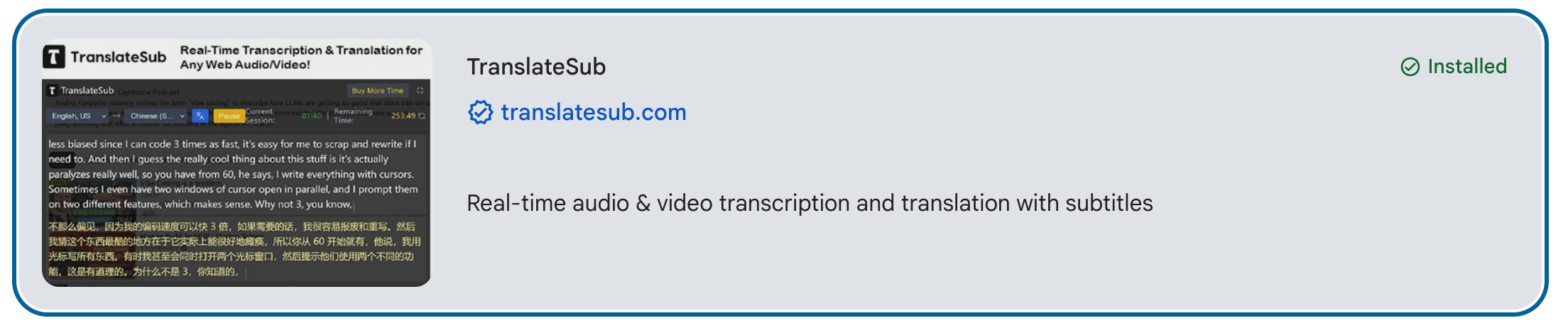
If you are a content creator, a global social media manager (TikTok/YouTube), or a heavy consumer of YouTube tutorials and foreign live streams, standard text translators won't help. This is where TranslateSub.com shines as a professional-grade productivity tool.
Why TranslateSub is the Best Video Translation Extension:
Precision AI Live Subtitles: Specifically built for multi-media, TranslateSub excels at real-time video translation. It can automatically recognize and translate audio into bilingual subtitles for YouTube, TikTok, and even Twitch.
SRT Subtitle Formatting & Timing: Unlike basic machine translation that breaks timecodes, TranslateSub’s AI ensures that translated text remains perfectly synced with the original video's timeline.
Live VOD Processing: Quickly convert foreign live stream playbacks into localized assets with multi-language subtitles, boosting your global content distribution efficiency.
Free AI Translation Tool Access: Offers high-quality free translation plugin features that outperform paid competitors in speed and accuracy.
Target Audience: YouTubers, TikTok Creators, Video Editors, and anyone needing YouTube live translation.
3. The Specialist for Natural Accuracy: DeepL Extension
In the world of "Neural Machine Translation," DeepL is renowned for its ability to understand context and produce "human-like" results.
Contextual Intelligence: DeepL captures industry jargon, slang, and complex sentence structures better than almost any other engine.
Write & Translate: You can highlight your own text in an email or social media box and instantly translate it into professional-grade foreign language.
Target Audience: Business professionals, exporters, and copywriters.
Shortcoming: Supports fewer languages (around 30+) compared to Google Translate.
4. The Universal Backup: Google Translate Extension
No list is complete without the industry giant. While it may lack the nuance of DeepL, it is still the most versatile real-time translator.
One-Click Full Page Translation: Instantly flip an entire website into your native tongue.
Massive Language Library: Supports over 130 languages, including rare dialects.
Lightweight & Free: No complex setup; it just works.
Target Audience: Casual web surfers needing quick gist translations.
5. The All-in-One AI Sidekick: Monica.im
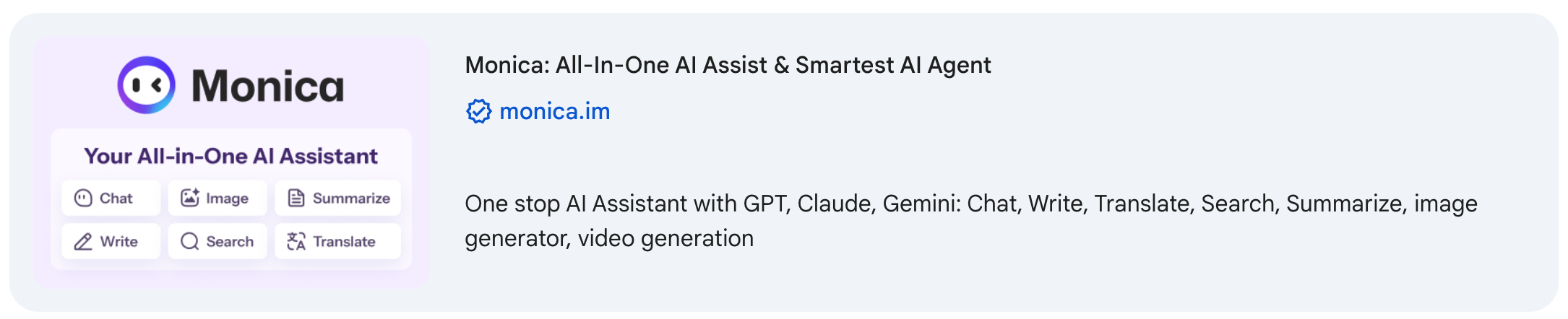
Monica isn't just a translation extension; it’s an all-in-one AI assistant powered by GPT-4 and Claude.
Conversation + Translation: Beyond simple translating, you can ask, "Summarize the core arguments of this English article in Chinese."
YouTube Video Summarization: It can grab the transcript of a YouTube video and provide a bulleted summary instantly.
Target Audience: Efficiency geeks who want AI chat, writing, and translation in one sidebar.
Conclusion: Which AI Translation Tool Should You Choose?
Your choice depends on your daily "pain point":
For Web & Academic Reading: Use Immersive Translate.
For Video, YouTube Live, & TikTok Subtitles: TranslateSub.com is the ultimate AI video translation powerhouse to save you hours of work.
For Professional Writing: DeepL ensures your tone is natural and native.
In 2026, language is no longer a barrier; it's a bridge to global opportunity.
Frequently Asked Questions (FAQ)
Q1: Is TranslateSub free to use? A: Absolutely! TranslateSub offers a generous free tier that allows users to experience high-quality AI video translation without any upfront cost. It is designed to be accessible for students, content creators, and casual viewers who need reliable real-time subtitles.
Q2: How can I get more translation credits for free? A: We believe in growing with our community. You can easily earn more credits through our Referral Program. For every new partner or friend you invite to join TranslateSub, you will receive 100 bonus credits instantly. There is no limit to how many friends you can invite, making it easy to keep using our premium features for free.
Q3: Does TranslateSub support real-time translation for live streams? A: Yes, that is one of our core strengths. Unlike traditional text translators, TranslateSub is optimized for live multi-media content. Whether it's a YouTube Live event, a Twitch stream, or a Coursera lecture, our extension can generate accurate, synced bilingual subtitles in real-time to ensure you never miss a beat.
Related Resources & Deep Dives:
How Digital Nomads Download YouTube Video Transcripts in 2026
Breaking Language Barriers: The Ultimate Guide to AI Subtitle Translation for Global Content
Power of AI Translation: How Machine Learning is Transforming Global Communication
Stop Listening to "Gibberish": How to Use TranslateSub for Real-Time Foreign Live Stream Translation