How to Translate Portuguese Video into Spanish Subtitles
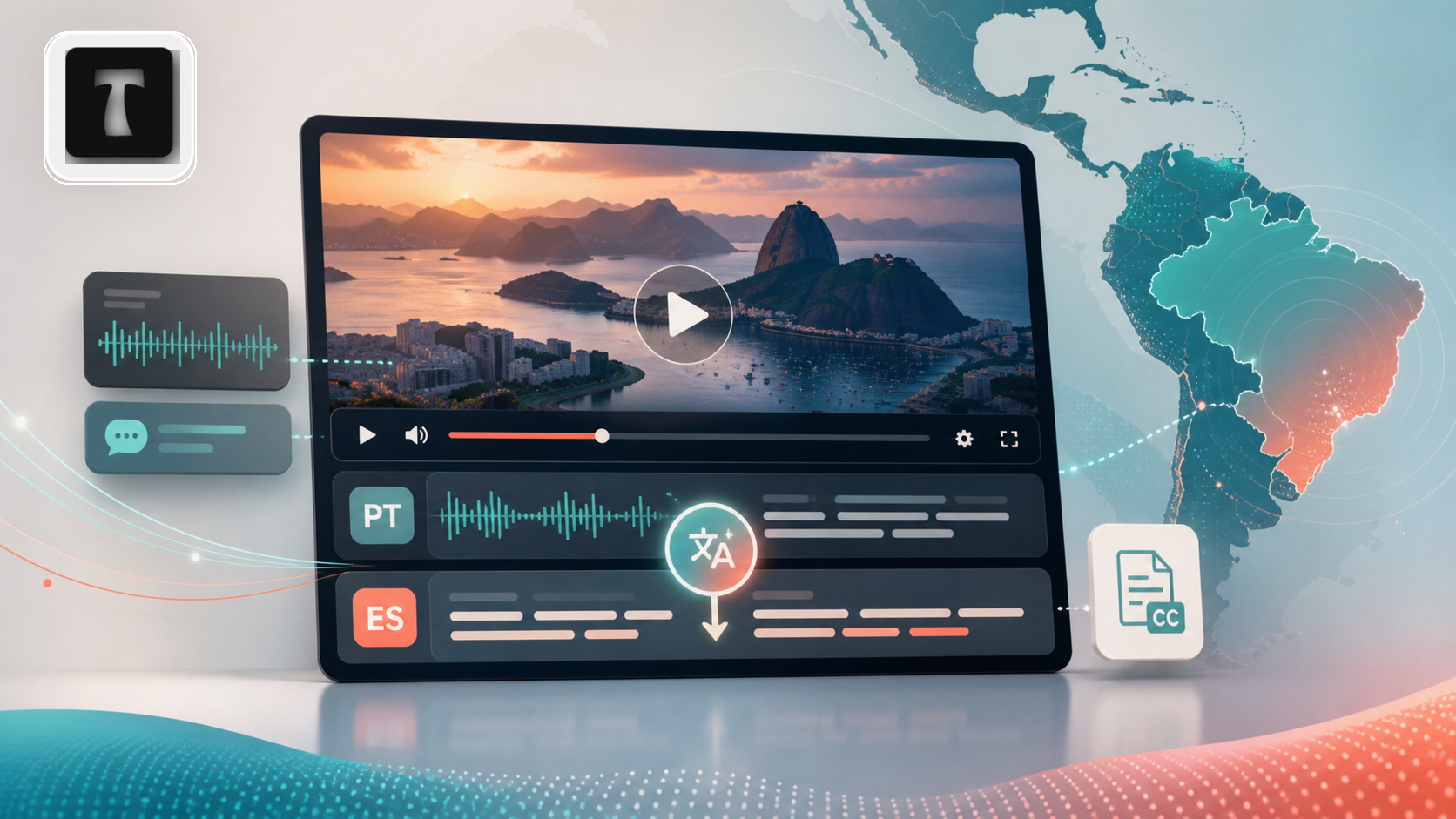
Portuguese video can be valuable far beyond Portuguese-speaking audiences. A Brazilian product demo, a customer interview, a webinar clip, a course recording, or a social video may all become useful for Spanish-speaking viewers if the subtitles are clear, reviewed, and easy to export.
This guide explains how to translate Portuguese video into Spanish subtitles with TranslateSub. The goal is not to publish an unchecked machine draft. The goal is to create a practical subtitle draft, review the parts that matter, and export a file your team can use in YouTube, TikTok, training platforms, or a video editing tool.
When Portuguese video needs Spanish subtitles
The Portuguese-to-Spanish use case often appears when one team is working across Latin American markets. A marketing team may receive a Brazilian product video and need to make it usable for Spanish-speaking customers. An agency may prepare Portuguese interviews for a Latin American campaign. A course team may want Portuguese lessons or expert clips to be easier for Spanish learners to follow.
Portuguese and Spanish are related languages, but that does not make video translation automatic. Speakers move fast, regional expressions vary, and subtitles need to be readable on screen. If the video includes names, technical terms, product details, or customer quotes, a reviewed subtitle draft is much more useful than a rough summary.
Common scenarios for Portuguese video to Spanish subtitles
Marketing and product content. A Brazilian launch video can be adapted for Mexico, Colombia, Chile, Spain, or other Spanish-speaking markets. Spanish subtitles help the audience understand the product without replacing the original speaker's voice.
Customer interviews and case studies. Agencies and localization teams often need to turn Portuguese interviews into Spanish subtitle files so editors can select quotes, cut clips, and prepare social posts.
Courses and internal training. If your company has Portuguese training videos, Spanish subtitles can help regional teams learn from the same material without recording the lesson again.
Social video and short clips. For TikTok, YouTube Shorts, Instagram Reels, and other short-form platforms, subtitles help viewers understand the content even when they watch without sound.
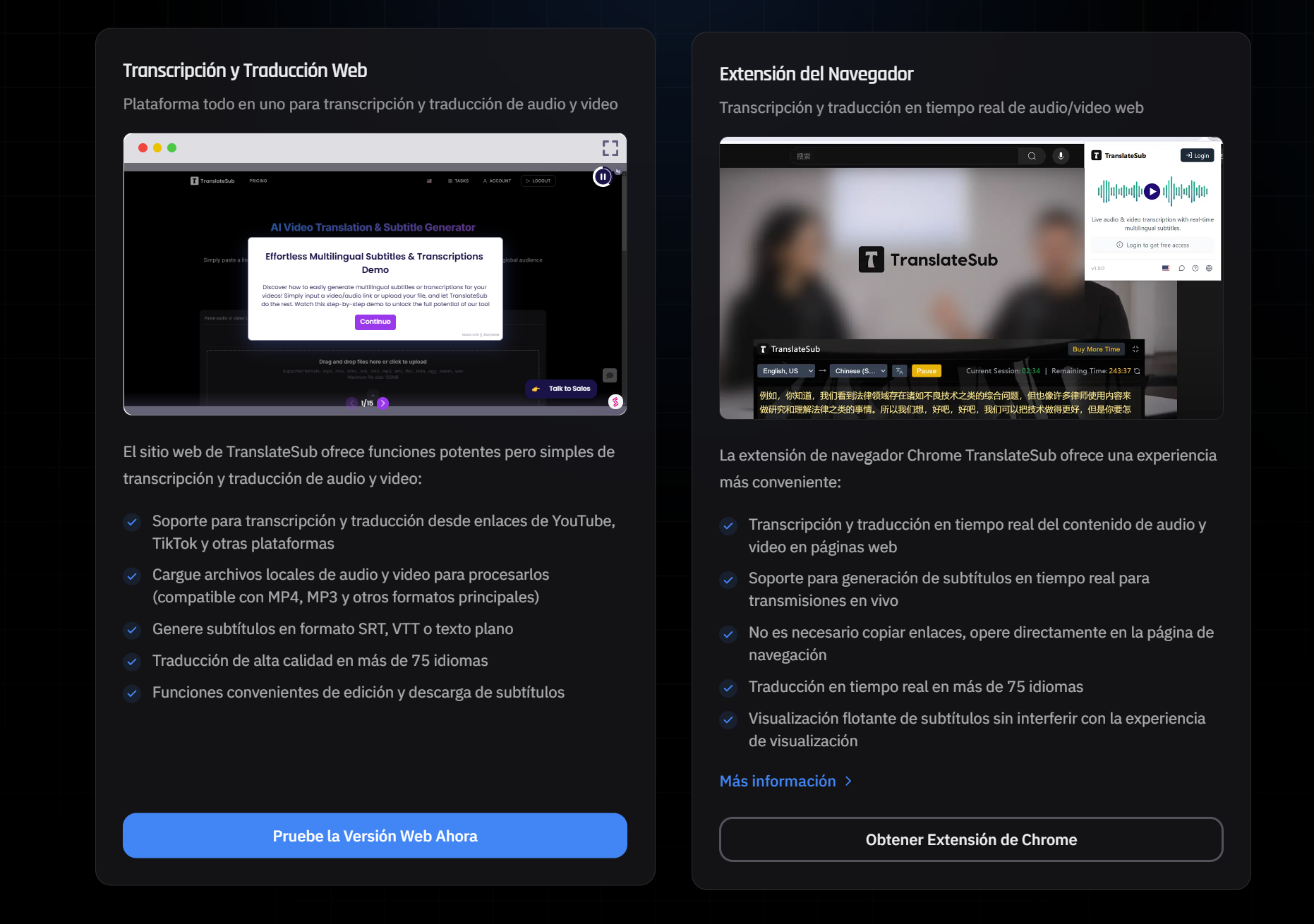
Step 1: Prepare the Portuguese audio or video
Start with the clearest source file available. A clean audio track makes a big difference for speech recognition and translation quality. If you are working with a webinar, interview, or screen recording, choose the version with the least background noise and the fewest overlapping speakers.
Before uploading, decide how the final subtitle will be used. For YouTube, you may want an SRT or VTT file. For editing and review, TXT can be useful because it is easier to scan, copy, and mark up.
Step 2: Choose Portuguese as the source language and Spanish as the target language
In TranslateSub, select Portuguese as the source language and Spanish as the target language. This keeps the article's core task clear: Portuguese audio or video becomes Spanish subtitles.
If the source is Brazilian Portuguese, review any names, local references, product terms, or slang after the first draft is generated. AI can save time, but the final subtitle should still match the speaker's meaning and the audience's reading speed.
Step 3: Review the Spanish subtitle draft
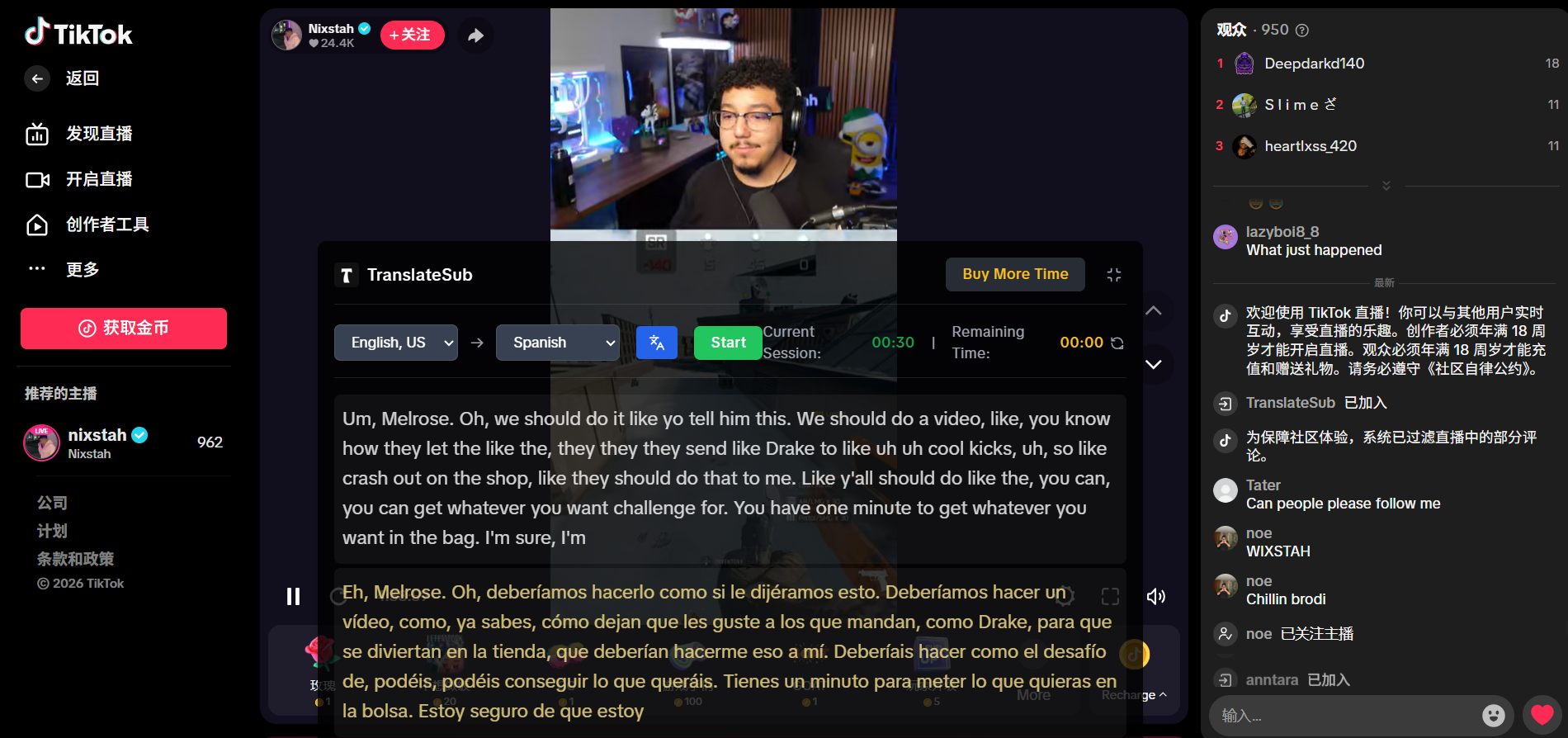
After the subtitle draft is created, review it before publishing. Focus on the parts that affect meaning:
Product names, people names, and place names
Numbers, prices, dates, and performance claims
Industry terms and campaign language
Jokes, idioms, and fast speech
Lines that are too long for comfortable reading
This is especially important for interviews, courses, product demos, and paid campaigns. The subtitle file should help Spanish-speaking viewers understand the original content, not just approximate it.
Step 4: Export SRT, VTT, or TXT
Once the Spanish subtitles are reviewed, export the format that fits your publishing channel.
Use SRT when you need a widely supported subtitle file for video platforms and editors. Use VTT when the subtitles are for web video players or platforms that prefer WebVTT. Use TXT when your team needs a transcript-like text file for notes, review, or content planning.
For many teams, the practical path is simple: create the Spanish subtitle draft, review the important lines, export SRT or VTT for publishing, and keep TXT for internal review.
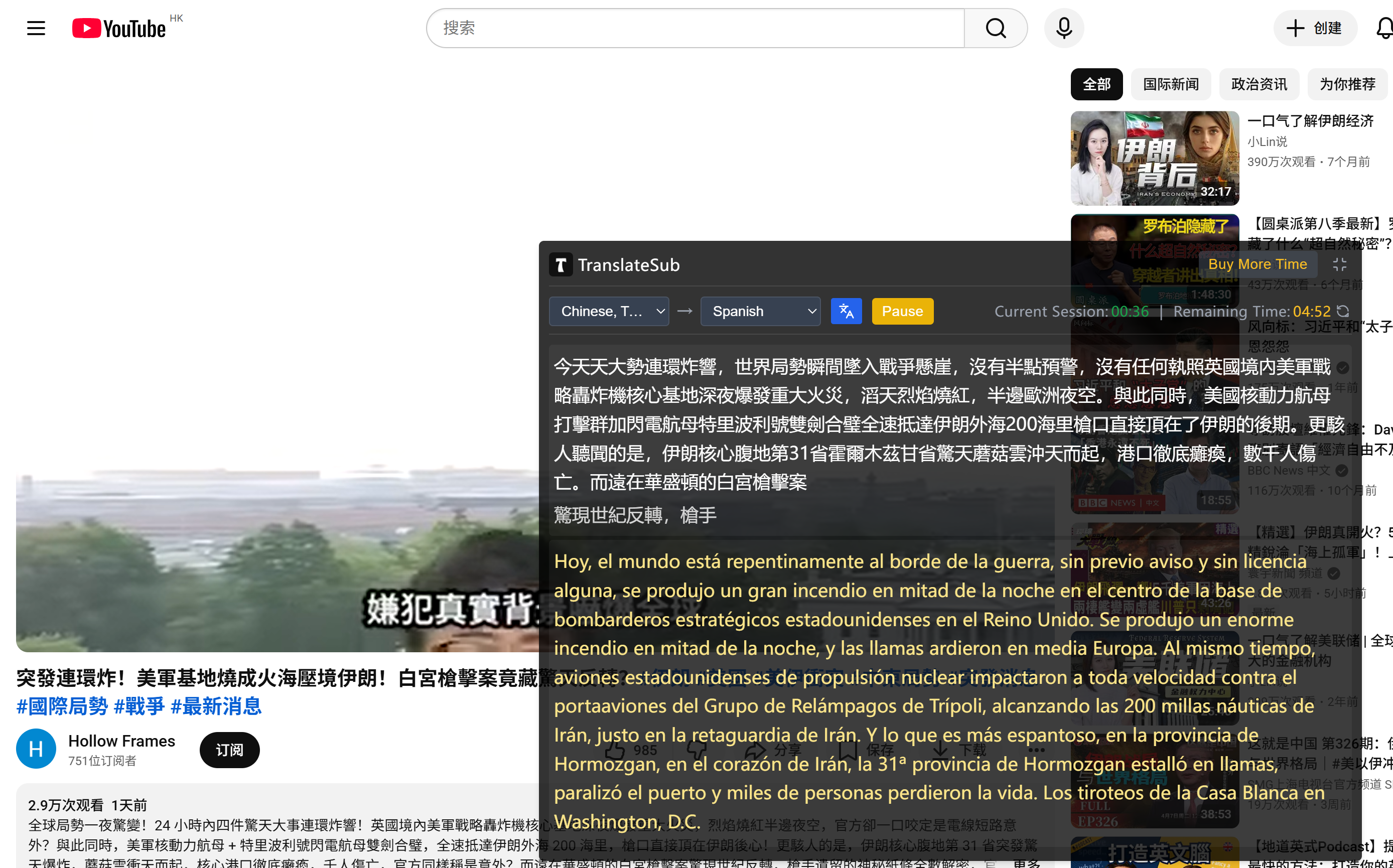
Real-time Portuguese to Spanish translation
If you are watching a Portuguese livestream, webinar, or social video, real-time translation can help you understand the material before you decide whether it deserves a full subtitle edit. This is useful when a team needs to monitor Brazilian creator content, follow product announcements, or quickly evaluate whether a Portuguese video should be adapted for a Spanish-speaking audience.
Real-time subtitles are best used for understanding and triage. For publishing, export and review the subtitle file before it goes live.
Related reading
If you are building a broader subtitle process, these TranslateSub guides may be useful:
compare AI video translation extensions: useful if your team also translates videos directly in the browser.
prepare subtitles for online learning content: helpful for course teams and training videos.
localize video content with multilingual subtitles: useful when Portuguese-to-Spanish is part of a larger multilingual publishing plan.
FAQ
Can I translate Portuguese video directly into Spanish subtitles?
Yes. You can upload Portuguese audio or video, select Portuguese as the source language, choose Spanish as the target language, and generate a Spanish subtitle draft for review.
Should I use SRT or VTT?
Use SRT when you need a general subtitle file for editors or common video platforms. Use VTT when your subtitles will be used in web video players or platforms that prefer WebVTT.
Is AI translation accurate for Portuguese to Spanish?
AI translation can create a useful first draft, especially when the audio is clear. You should still review names, numbers, technical terms, and sentences where the speaker talks quickly or uses regional expressions.
Do I still need human review?
Yes, especially before publishing. Human review helps protect meaning, tone, and brand accuracy. It is also important when the video includes customer quotes, product claims, or educational content.
When is Portuguese video to Spanish subtitles useful?
It is useful for Brazilian product videos, Portuguese interviews, webinars, social clips, training material, and course content that needs to reach Spanish-speaking viewers.
Is this suitable for legal, medical, or certified content?
For legal, medical, certified, or high-risk content, use AI subtitles only as a draft. A qualified reviewer or professional translator should check the final version before it is used.
Can I use the subtitles on YouTube or in an editor?
Yes. After review, export SRT or VTT for video platforms and editing tools. You can also export TXT if your team needs a readable text version for notes or content planning.
Start with a reviewed subtitle draft
If your team needs to reach Spanish-speaking audiences with Portuguese interviews, product demos, courses, or social videos, TranslateSub can help you translate Portuguese video into Spanish subtitles, review the subtitle draft, and export usable SRT, VTT, or TXT files.